iLogic Class Libraries
Class libraries are compiled DLL files that provide functionality that can be used in other programs. We are primarily using class libraries to extend the functionality of iLogic rules. These class libraries allow us to have a common place to store "shared" functionality that can be updated in one place.
Guides for Developing and Using Class Libraries
Using a Class Library in an iLogic Rule
To utilize a class library in an iLogic rule, you must add a reference to it in the header.
In the iLogic editor, open the header by selecting "Header..." from the toolbar.
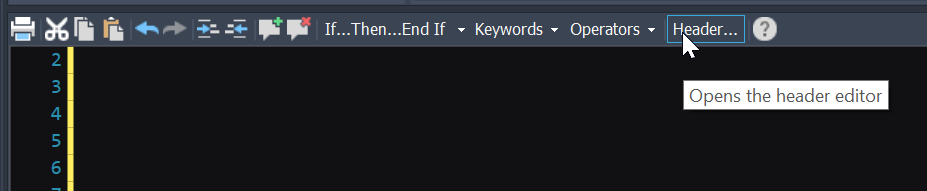
In the header, add a reference to the DLL file of the Class Library.
AddReference "C:\CAD_Resources\Inventor Class Libraries\iLogicFunctions.dll"The public functions of the class library are now available for use.
Adding Functionality to PWI's iLogicFunctions Class Library
1. Developer Setup
Using GitHub, clone the iLogicFunctions repository to your local machine.
Make any code changes in Jetbrains Rider or Visual Studio and debug them.
2. Debugging
In Jetbrains Rider, set the build configuration to "Debug" from the ribbon.
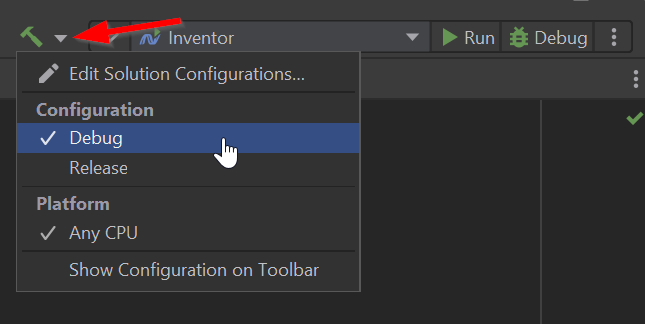
Set the Run Configuration to
Inventor.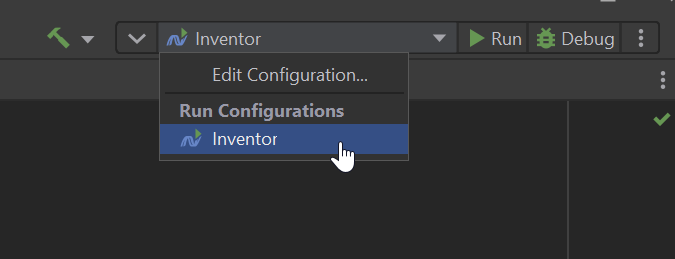
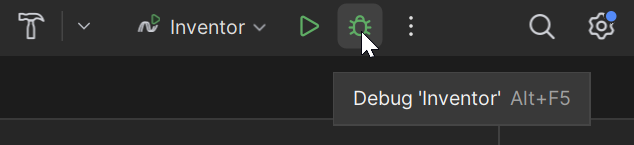
Verify that no existing instances of Inventor are running, and select "Debug".
(optional) After Inventor is loaded use the Breakpoints settings (CTRL+ALT+B) to turn on "Exception Breakpoints".
3. Publishing Changes
Make sure you are on the
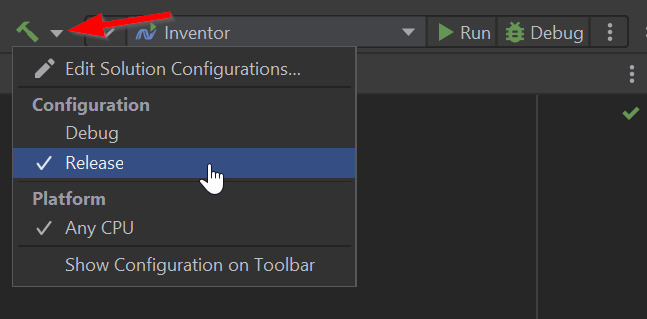
masterbranch of the Git repository.Set the build configuration to "Release".
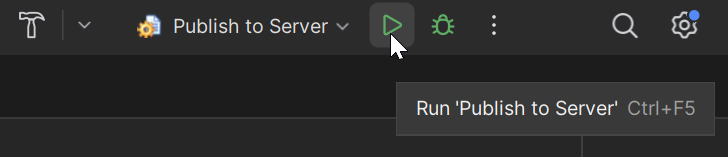
Set the Run Configuration to
Publish to Server.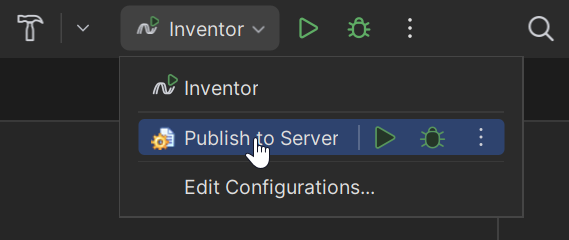
Verify that no existing instances of Inventor are running, and select "Run".