Punching In and Out
Once logged into your account, you will see a prominent button at the top of your screen saying, "Clock In". Select it to clock in. 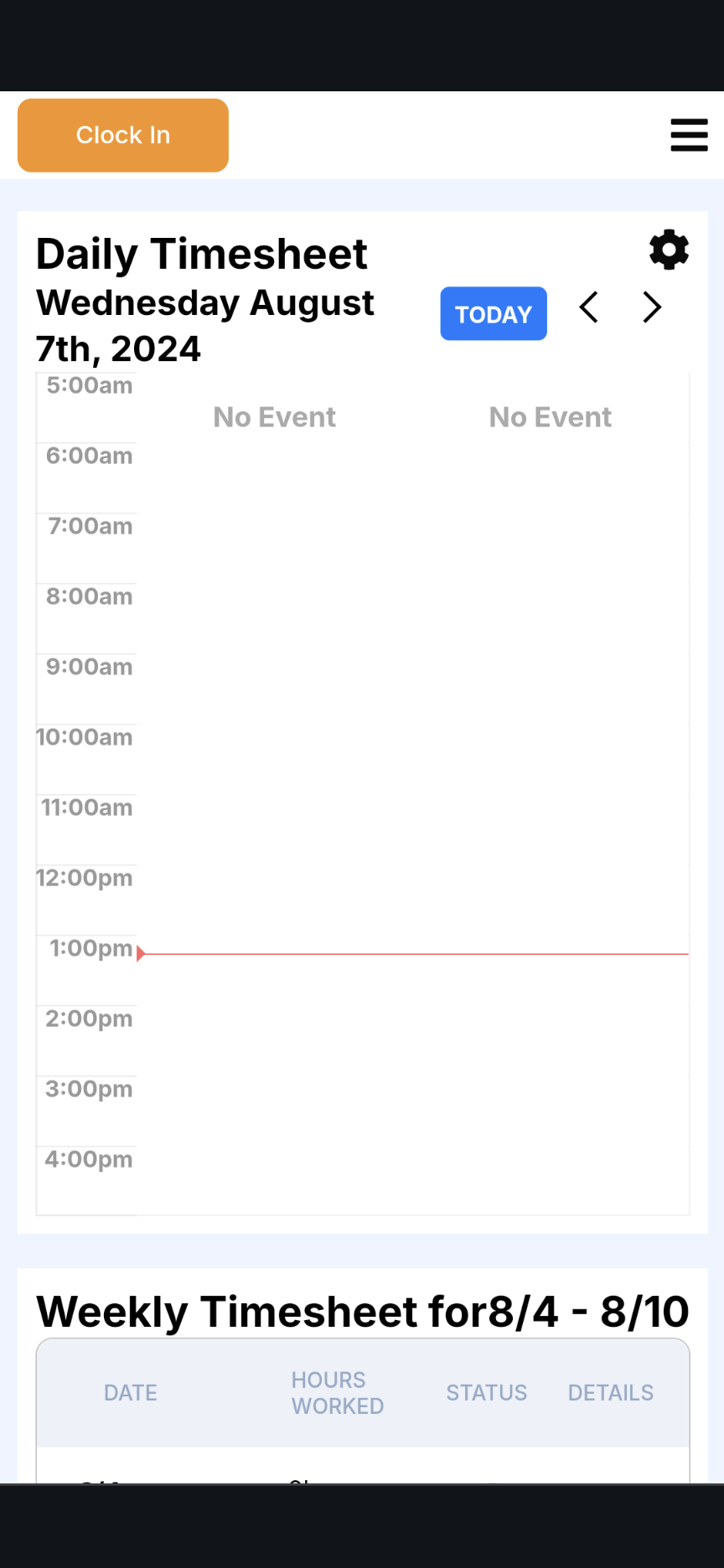
The button you pressed to clock in should have changed color to green and now says, "Clock Out". Press that button again to clock out. 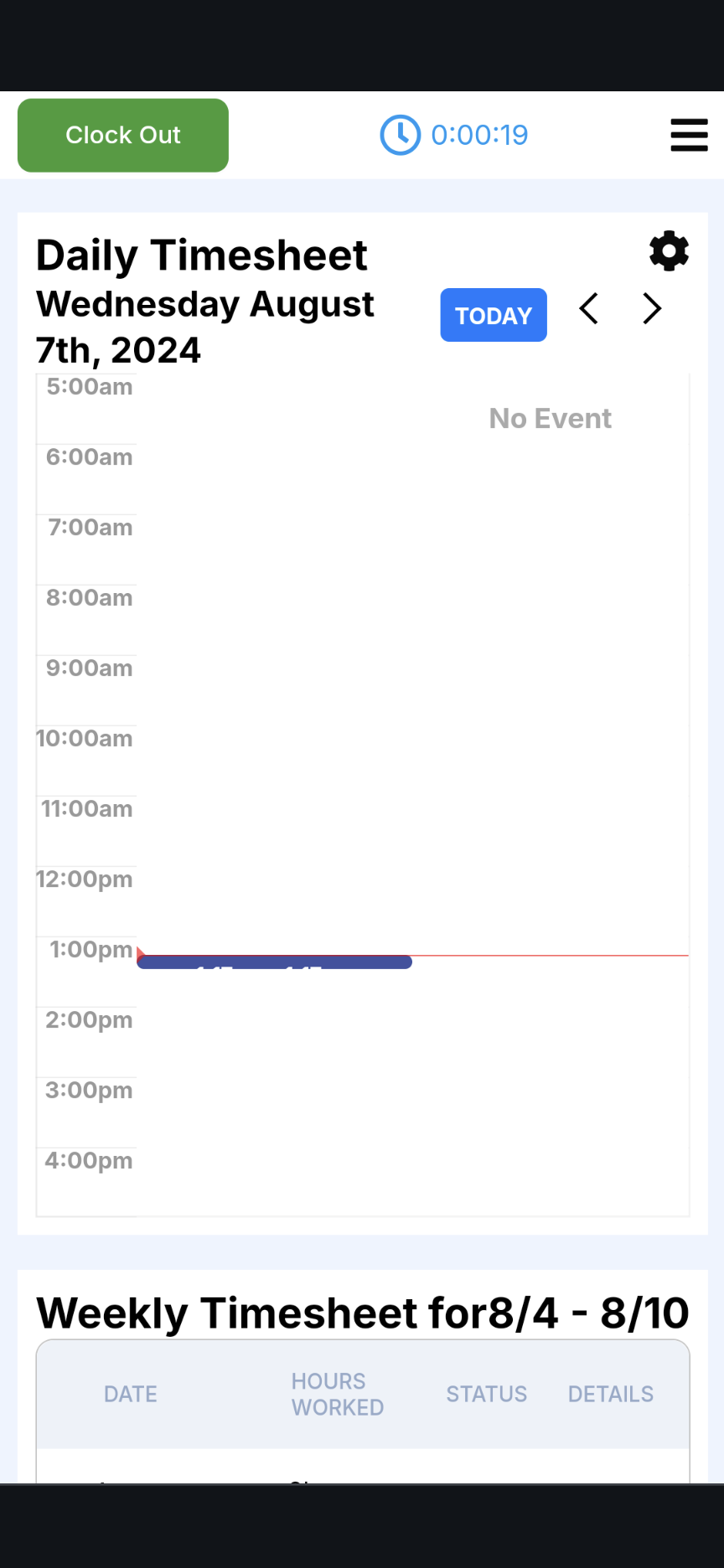
04 September 2024